01 / Design
Start with the form in your mind.
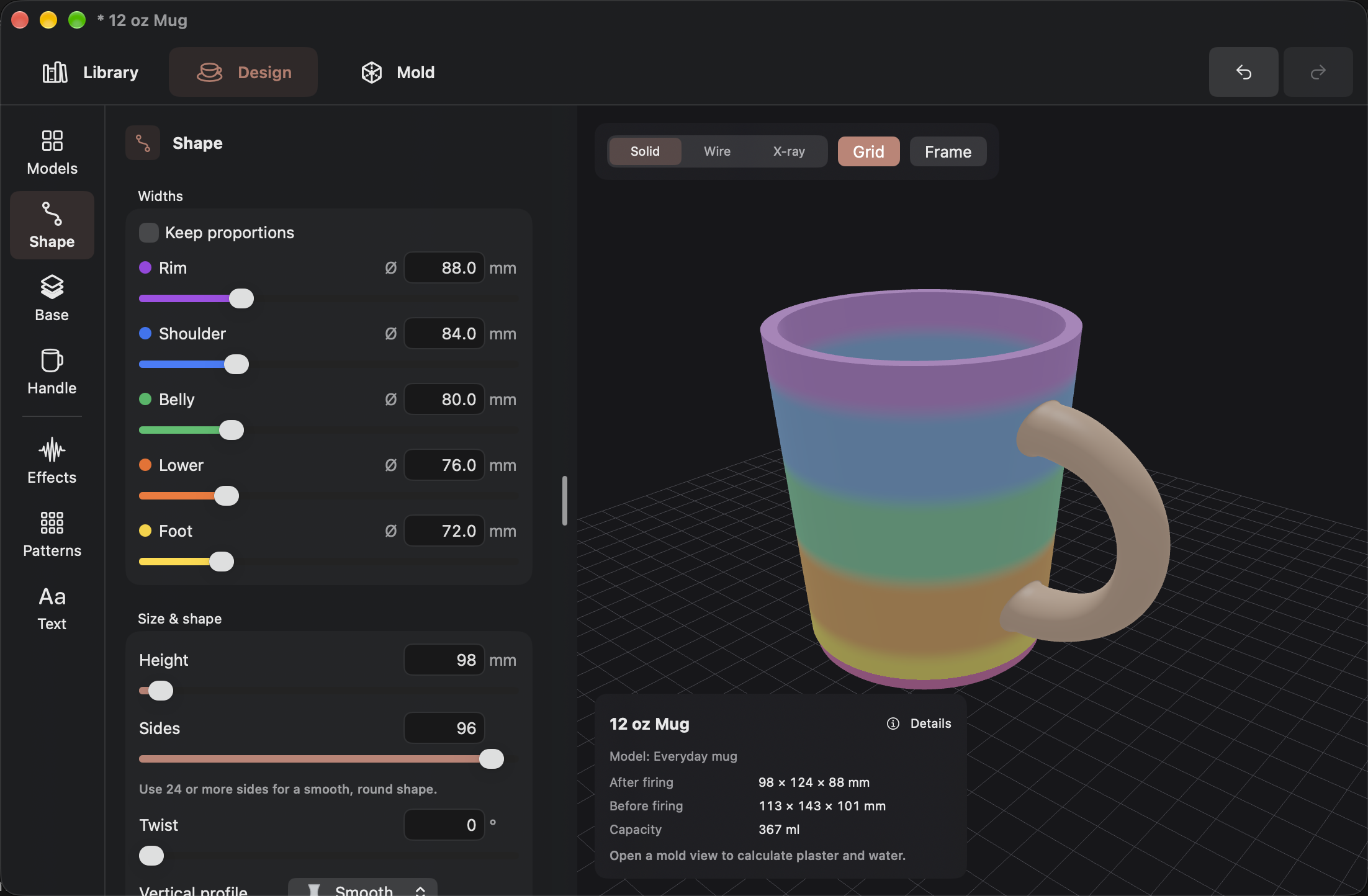
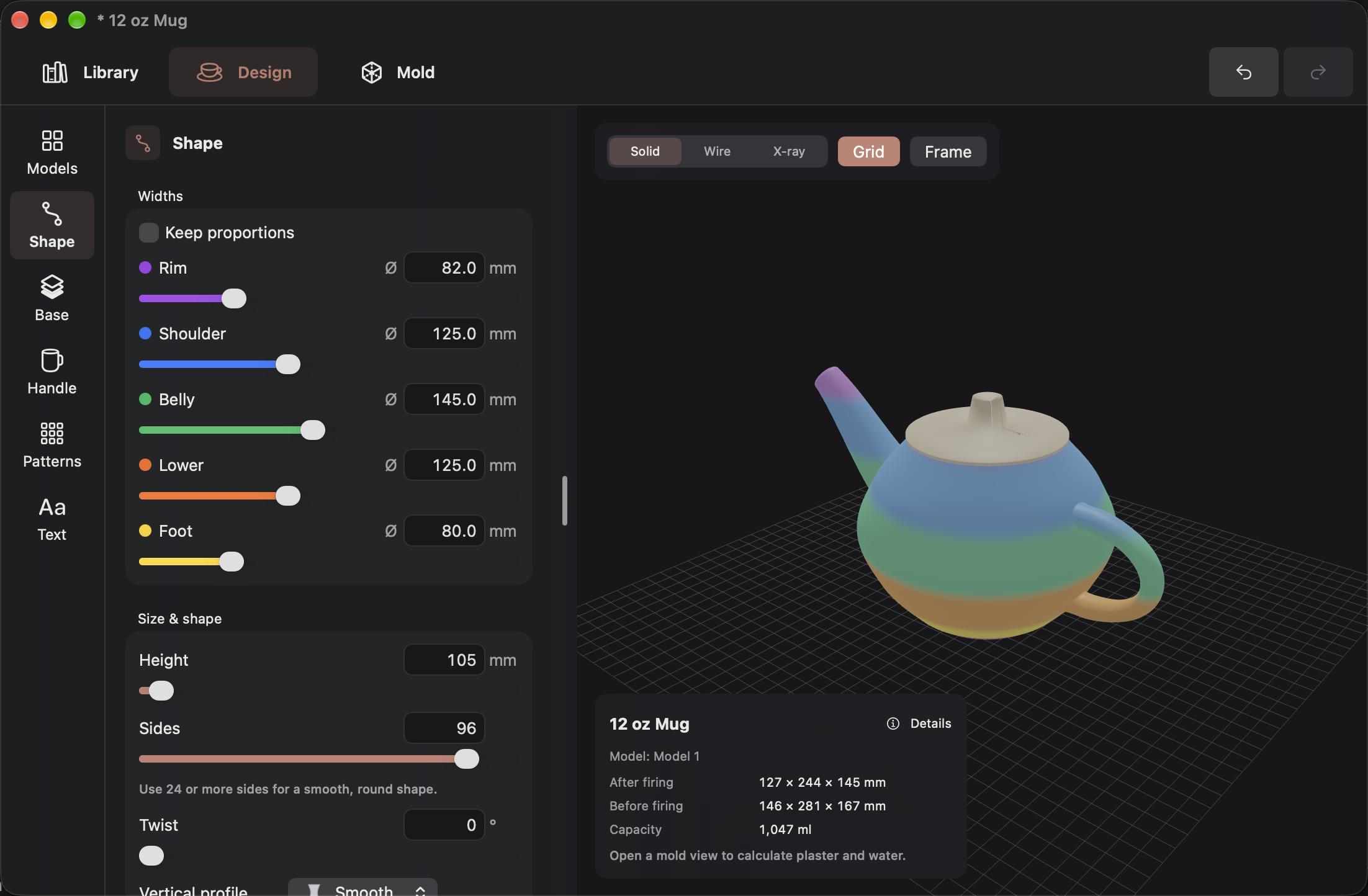
Choose a vessel or object, adjust its proportions, then orbit the live 3D preview. Shape, handles, and dimensions stay connected as you work.
 SlipMold Studio
Ceramic design · mold making · 3D printing
Design the form, refine its surface, and build the tooling for slip casting in one connected workspace.
Designed for Mac, iPad, and iPhone. Screens shown from macOS.
The model catalogue
Browse categories for mugs, cups, bowls, vases, teapots, plates, tiles, plaques, and more. Select an editable preset, then change its dimensions, walls, handle, and surface in the design workspace.
Follow the design-to-mold workflow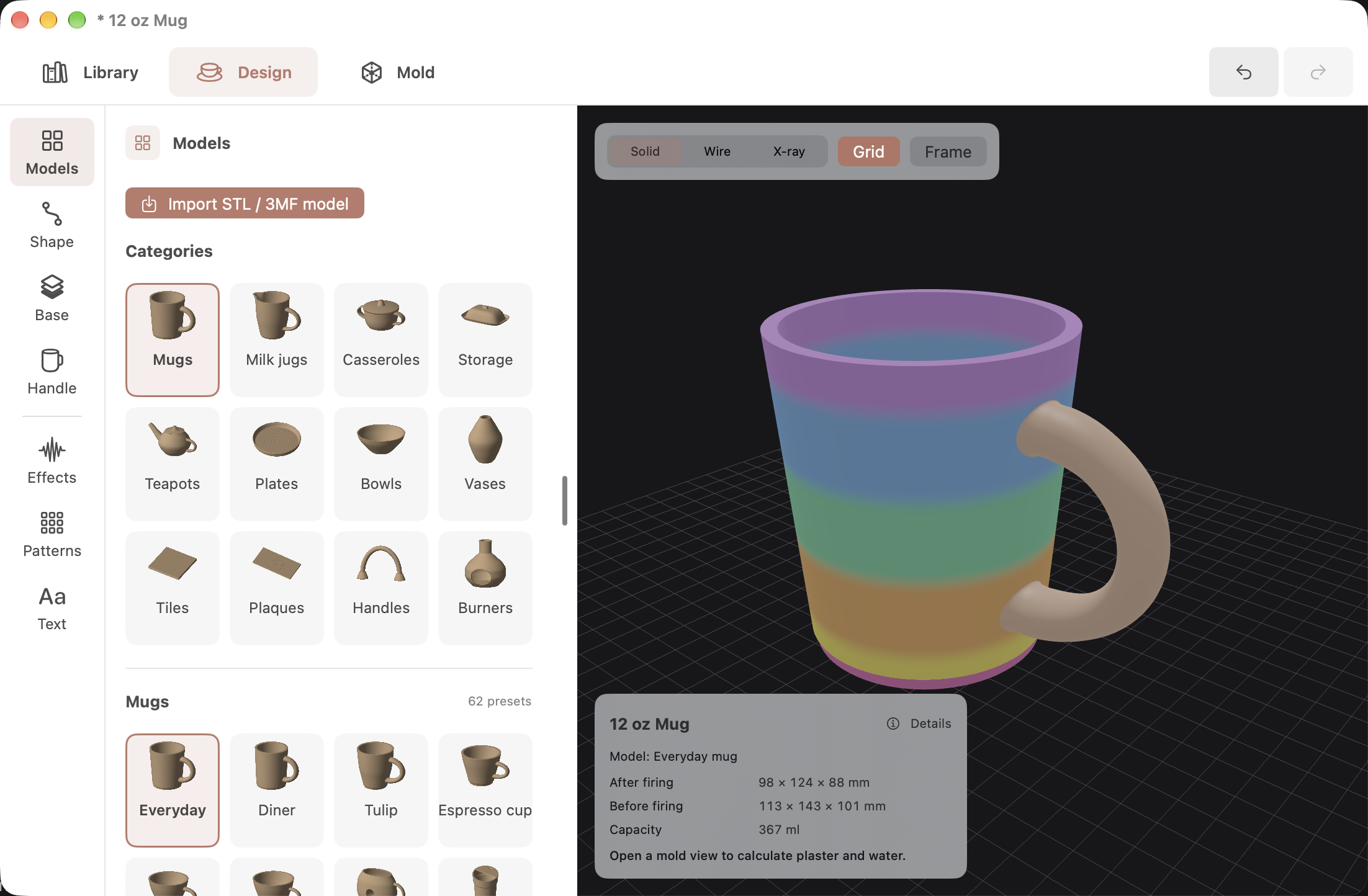
Design to casting
Move between the model, plaster pieces, printed case, and build plate. Each view answers a different practical question before you cast.
Choose a vessel or object, adjust its proportions, then orbit the live 3D preview. Shape, handles, and dimensions stay connected as you work.
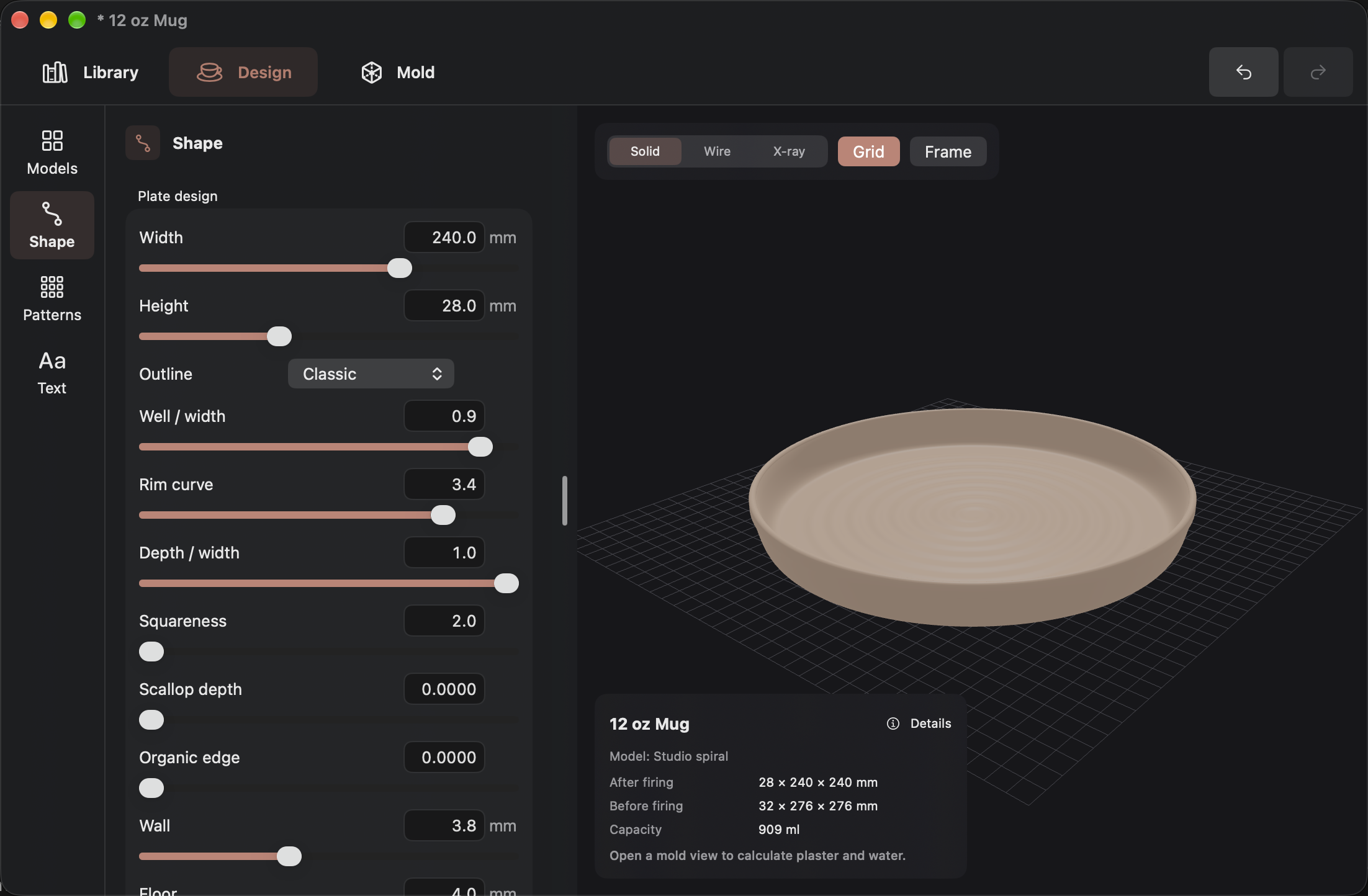
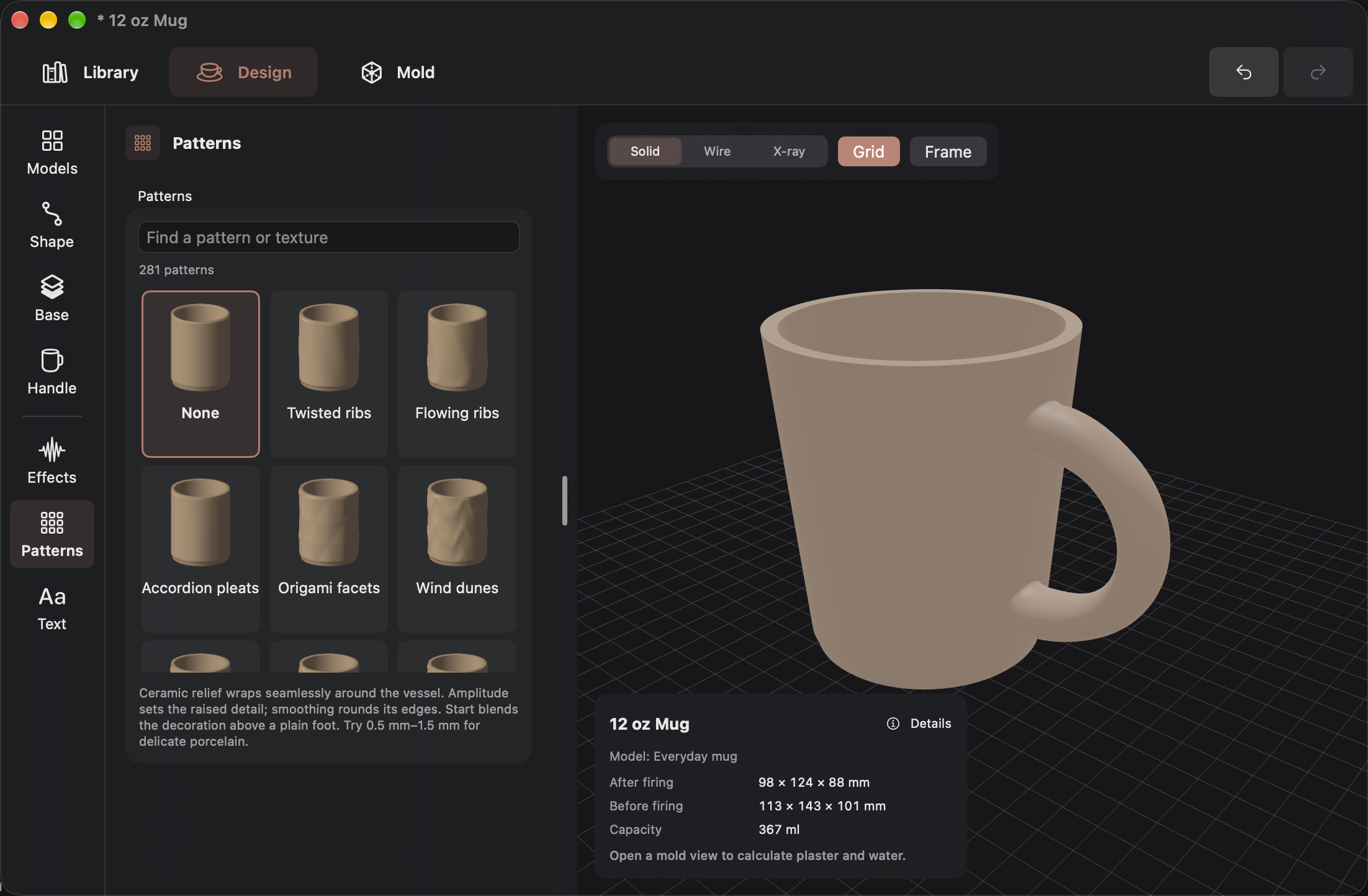
Explore patterns, relief, effects, and text while seeing how they sit on the actual form. Move from a plain silhouette to a piece with personality.
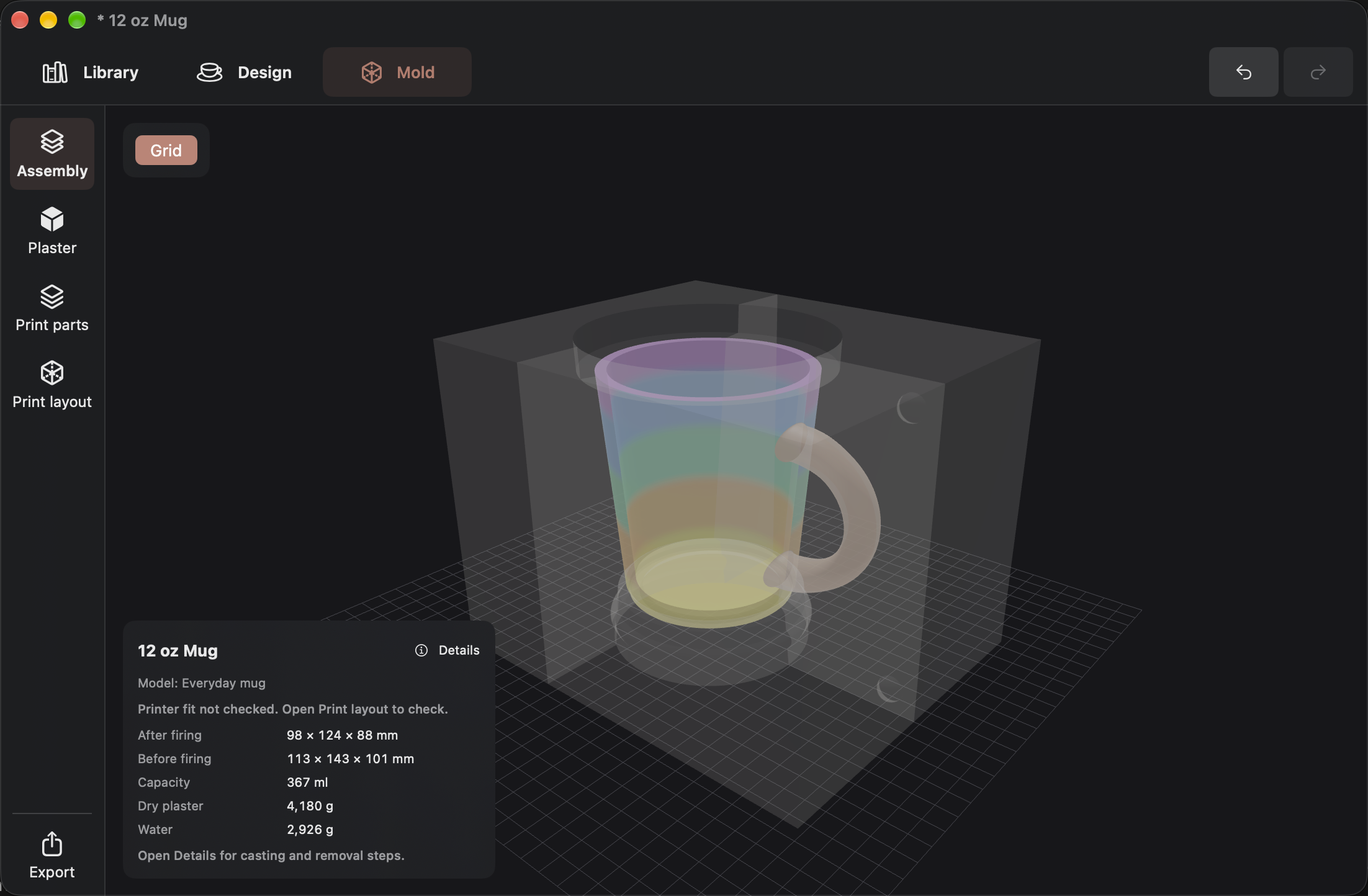
The transparent assembly view places your shrinkage-adjusted design inside the casting mold. Inspect the relationship between the vessel, the cavity, and the pouring reservoir before making any tooling.
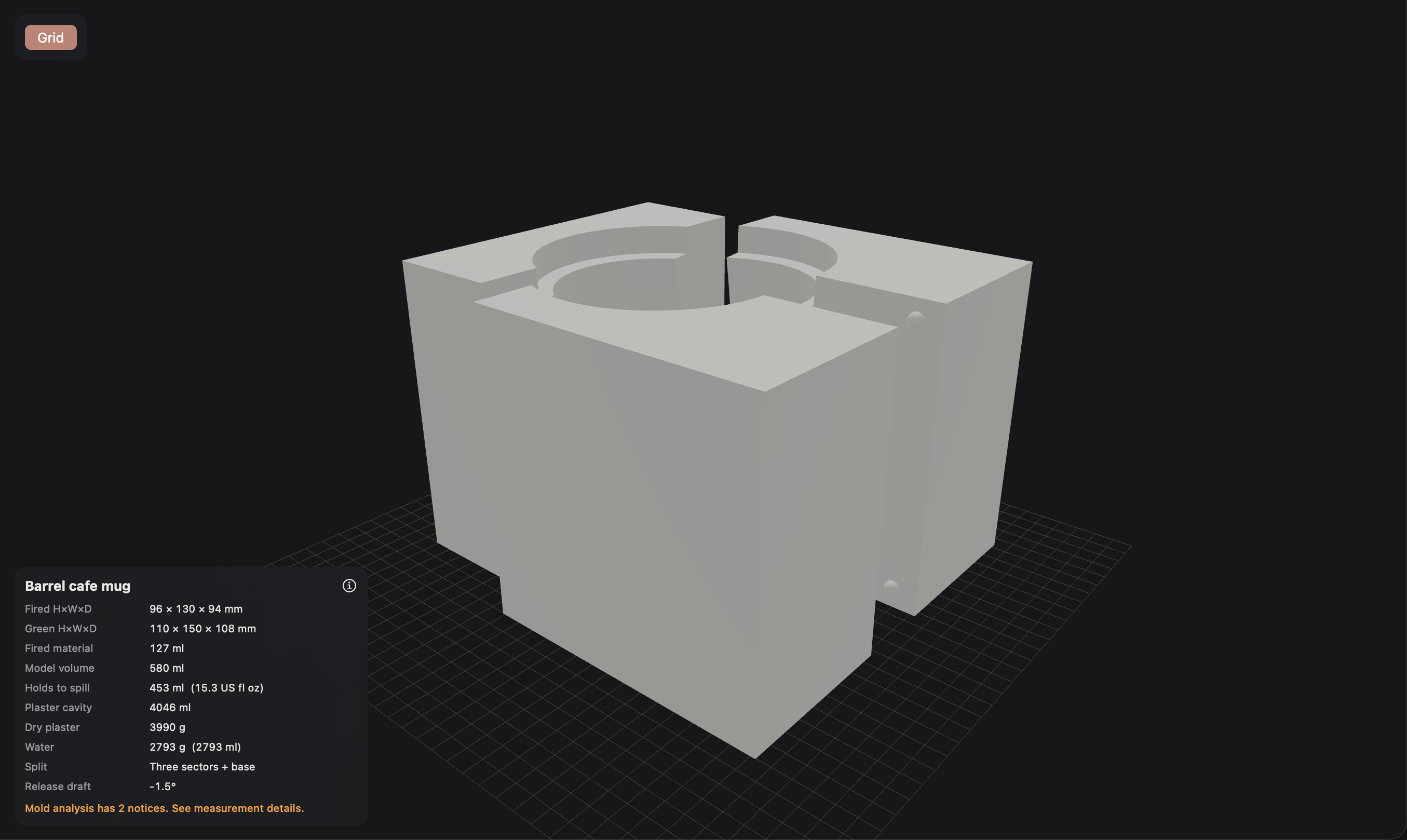
Switch from the assembly to the separate plaster view. For this mug, three body sectors and a base expose the negative cavity, split lines, and alignment features. The project also estimates plaster and water for the pour.
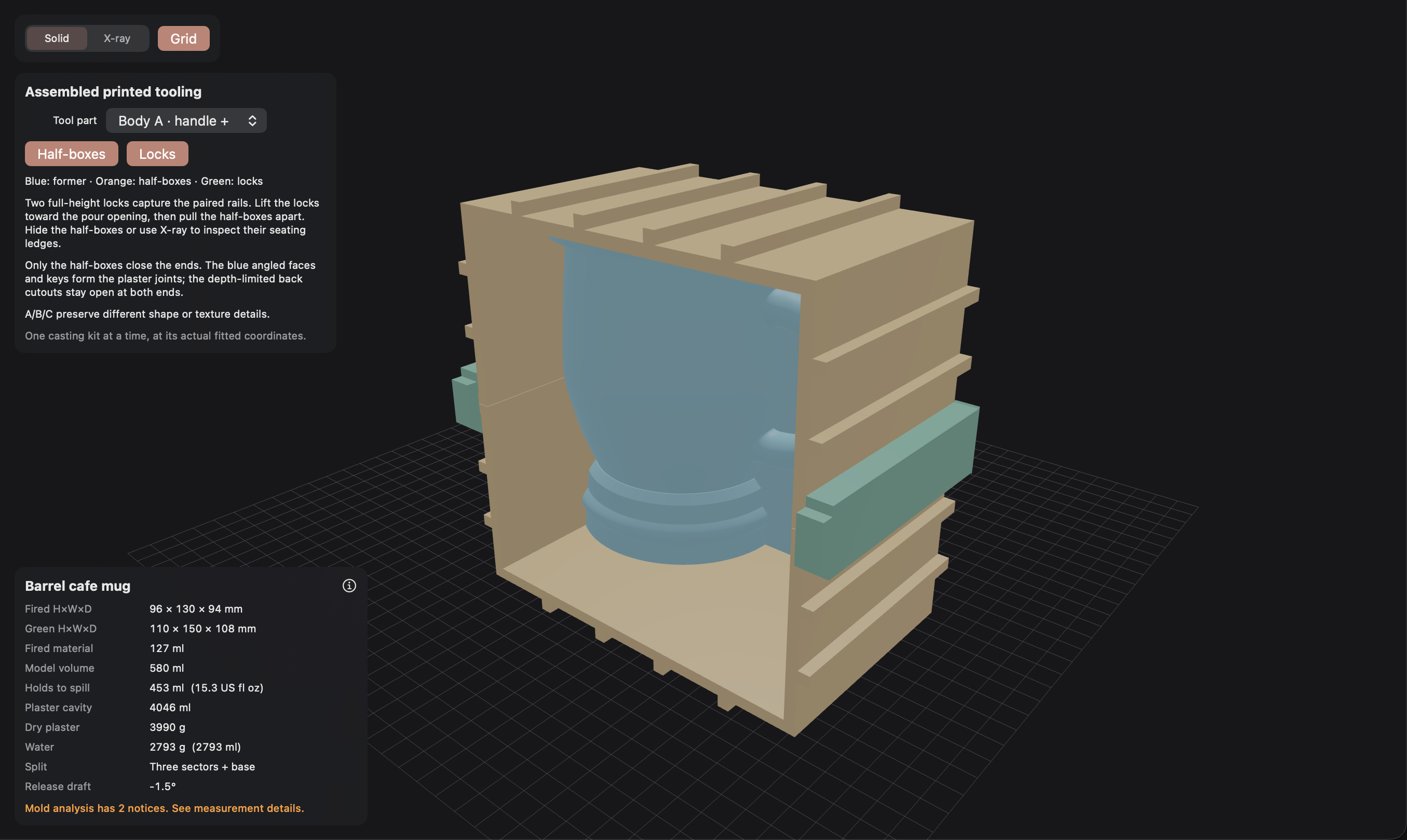
The tooling view shows a former held by two half-boxes and sliding locks. These printed parts form a case for pouring plaster; the plaster mold is the casting tool you use with clay slip.
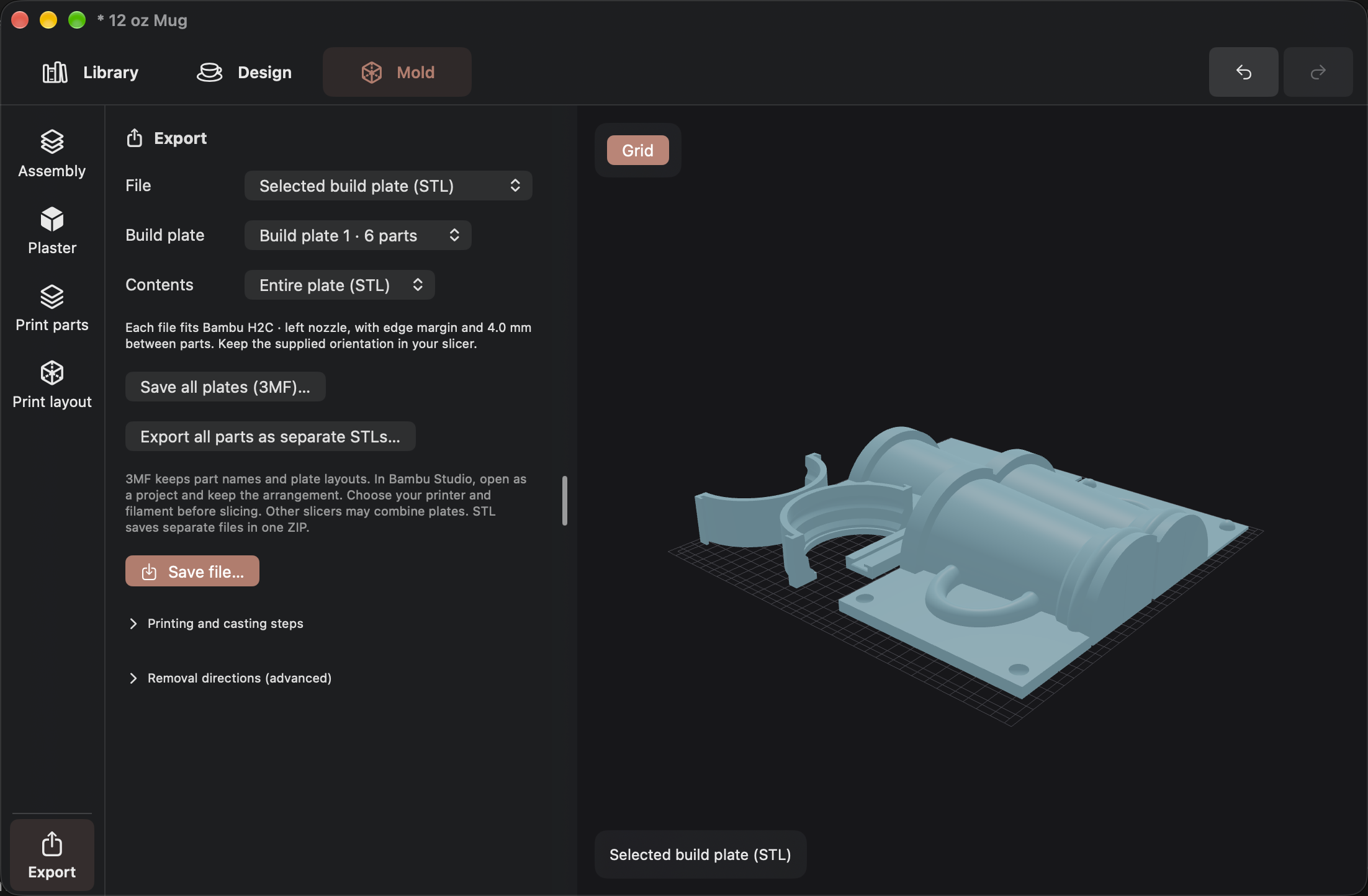
Review the build plate, then export the tooling for slicing. Printer size, edge margins, and mold settings can be adjusted in the same project.
More control
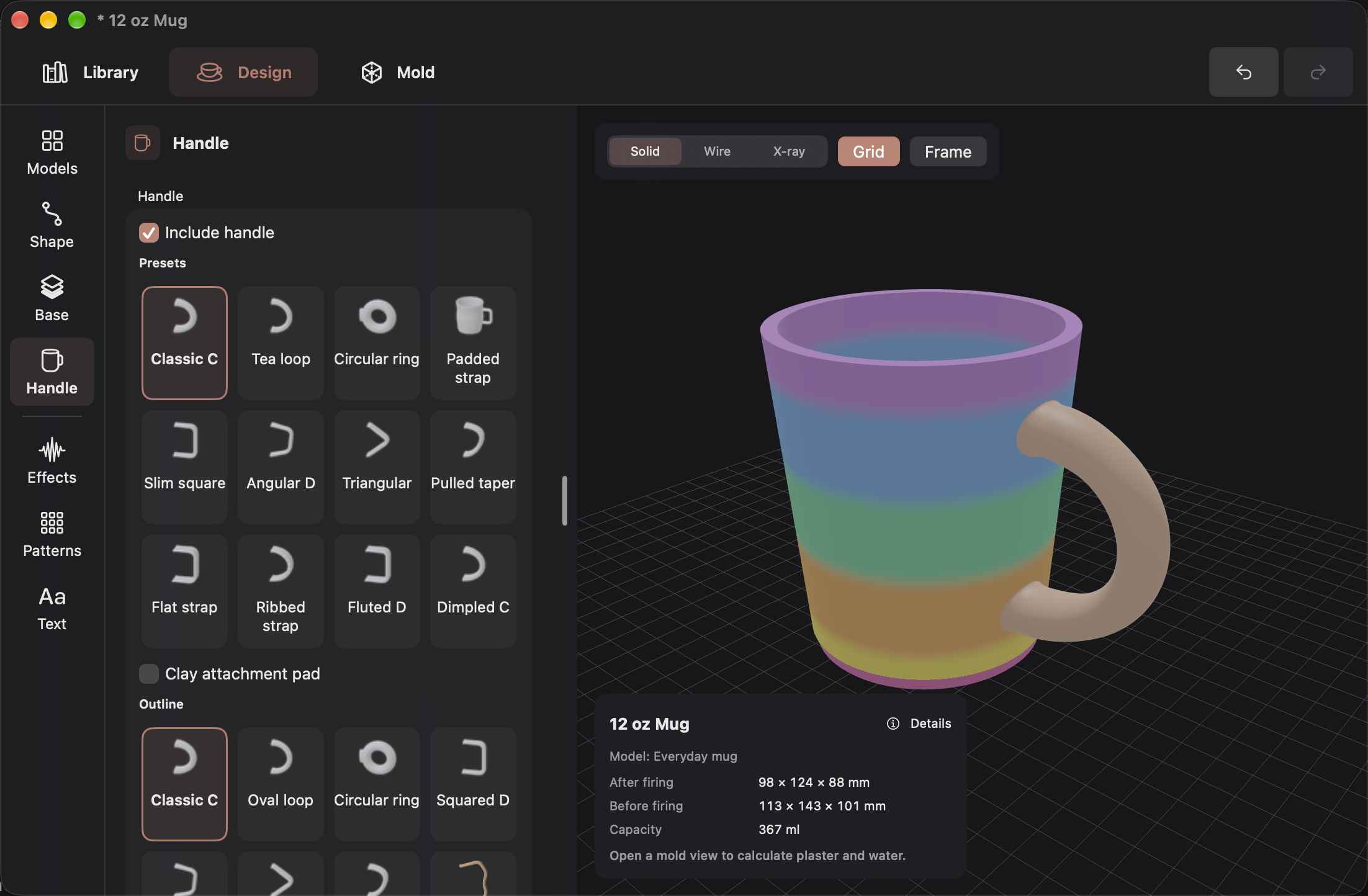
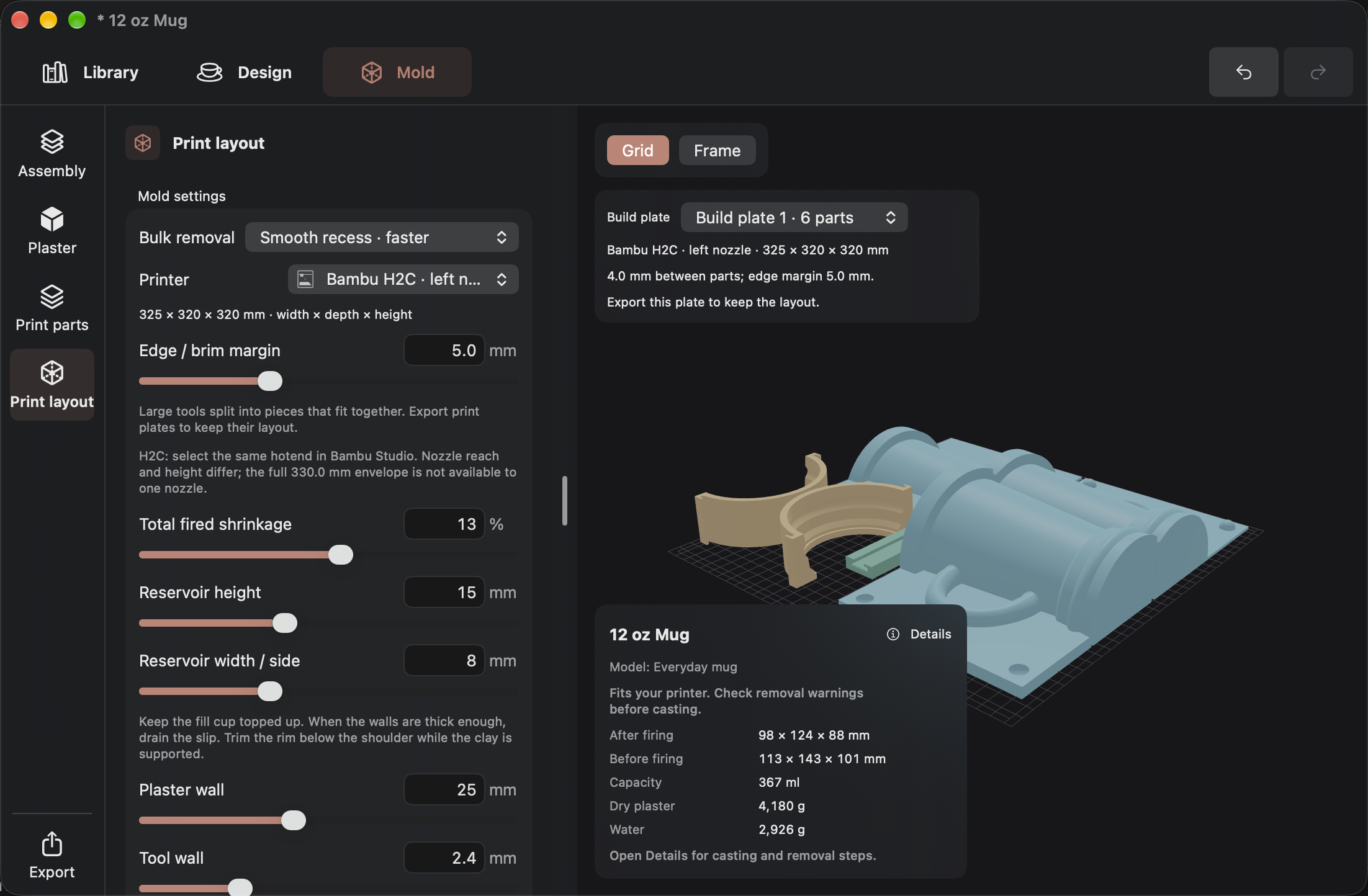
Shape the handle as deliberately as the vessel, and set the mold and printer dimensions before exporting.
Start from a handle preset, then adjust its outline, reach, thickness, width, and attachment to the form.
Choose a printer profile and adjust shrinkage, reservoir, wall, and edge-margin settings while viewing the resulting print layout.
SlipMold Studio
Interested in the app or have a ceramic workflow you want it to support?
Get in touch